
Objectives & Goals
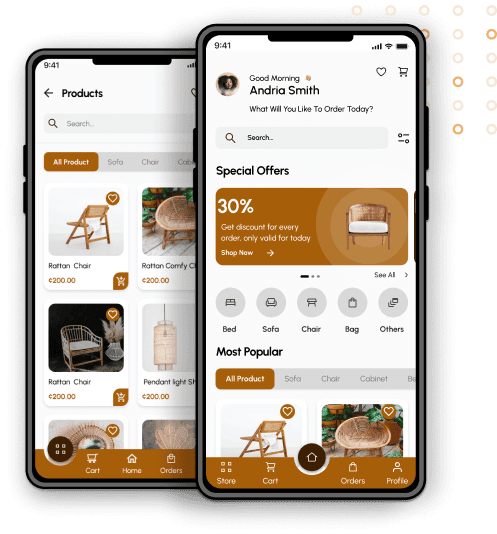
Design an app for TradeByKofi that enables users to quickly browse furniture, place orders, track orders, and have items delivered to their homes.
Role
UX Designer
Performed
- User Interface design - User Experience design - Interaction design - Information architecture - Rapid prototyping - User reserch
Delivered
- Site Maps - Design Systems - Interactive prototype
My Process

Competitor Analysis & Benchmarking
Design & Prototyping
User Engagement & Feedback Gathering

Engaged with stakeholders, including students, teachers, and parents, to gather feedback on their experience and understand their needs.
Objective Refinement & Prioritization
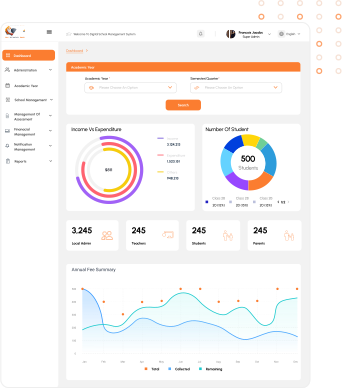
Brisoft Ghana
- Intuitive Navigation: Categorizes pages for easy access. - Engaging Dashboard: Presents statistics of student performance and school activities prominently. - User-Friendly Pages: Organizes content in a visually appealing and easily understandable format. - Convenient Search: Provides a search bar at the top of the screen for quick access to information. - Reward System: Offers incentives or rewards to students and teachers during specific periods for participation and achievements.


Geniusedu soft
- Interactive Learning Modules: Offers engaging multimedia content for students. - Customizable Dashboard: Allows users to personalize their dashboard with preferred widgets and shortcuts. - Comprehensive Analytics: Provides detailed insights into student performance and learning progress. - Seamless Communication: Facilitates smooth communication between teachers, students, and parents through messaging and notification features.
User Persona
Senam

“Senam love furniture made with rattan and would love to have more collection of that”
Age:
39
LOCATION:
Ivory Coast
EDUCATION:
Bachelor degree
OCCUPATION:
Teacher
Married with two children, Kwame holds a Bachelor's in Education, pursuing a Master's in Educational Technology.
Bio
- Improve User Experience - Enhance Communication - Simplify Tasks.
Goals
Frustrations
- Inefficient Navigation. - Communication Breakdown.
Motivations
Innovation Efficiency Collaboration Accessibility Progress
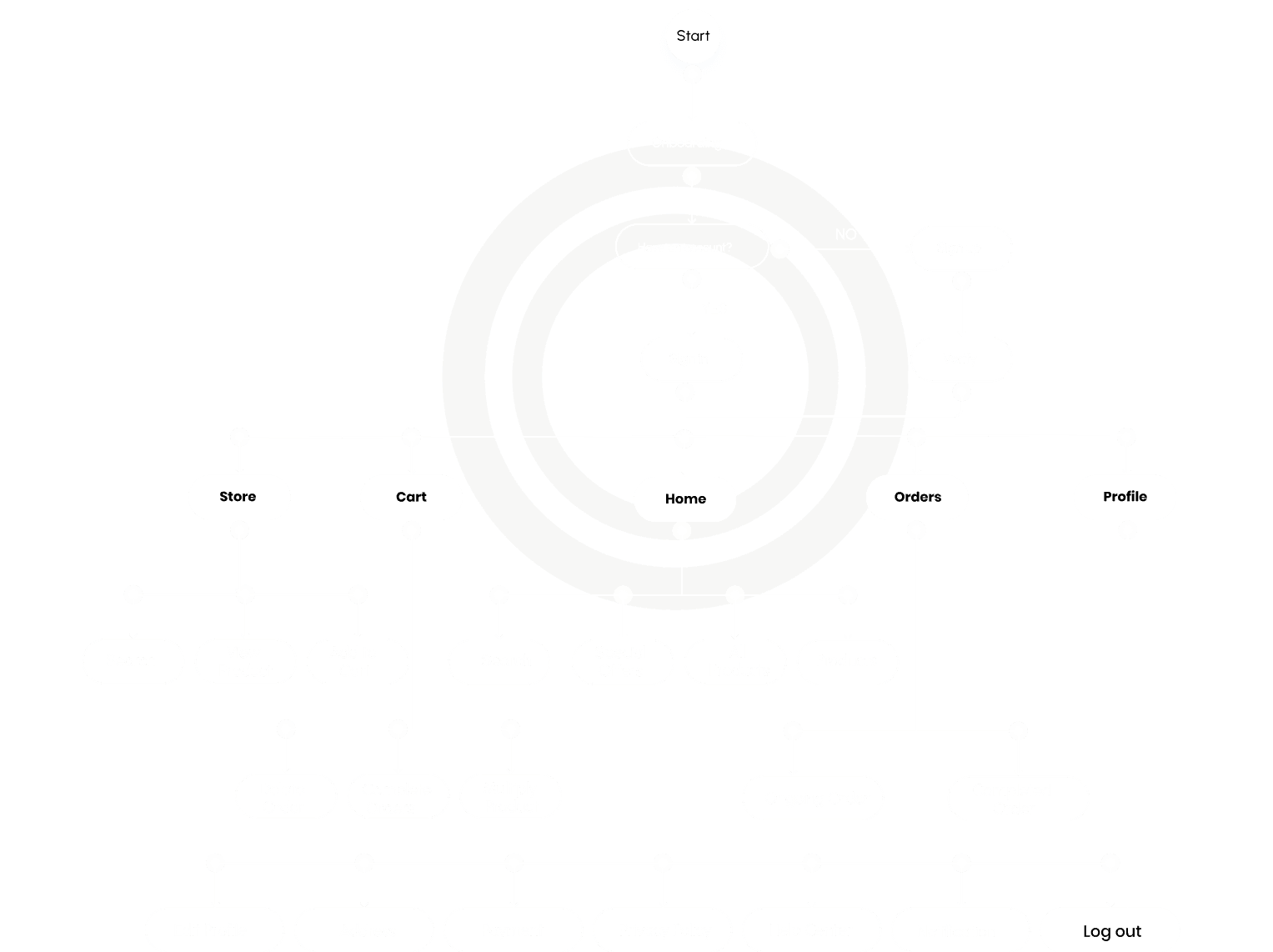
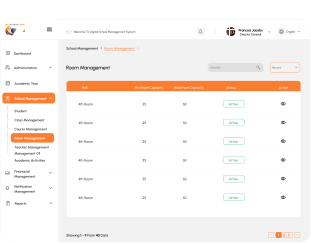
Wireframes
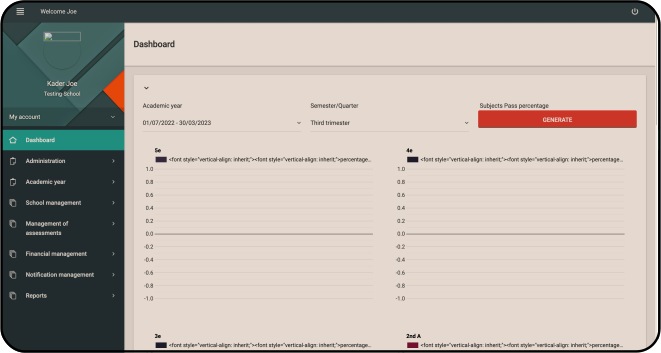
LOW FIDELITY WIREFRAME
Early models did not allow for size customization; the item you chose will have its own size.
I created a feature that allows customers to enter their measurements or even choose to have a professional come to their home to record measure based on their home setting after doing usability tests to match a certain area of their home.
In addition to making the app compatible with assistive technologies, easy navigation was a crucial user demand that had to be addressed in the designs.
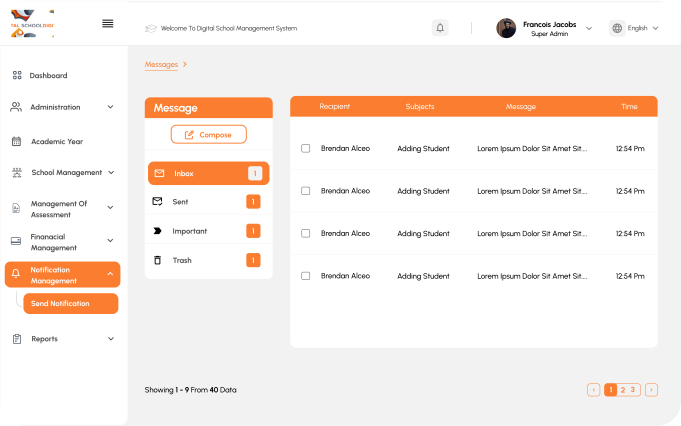
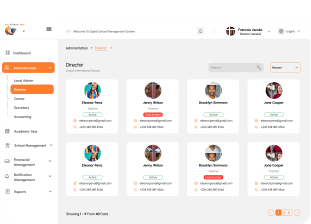
LOW FIDELITY PROTOTYPE
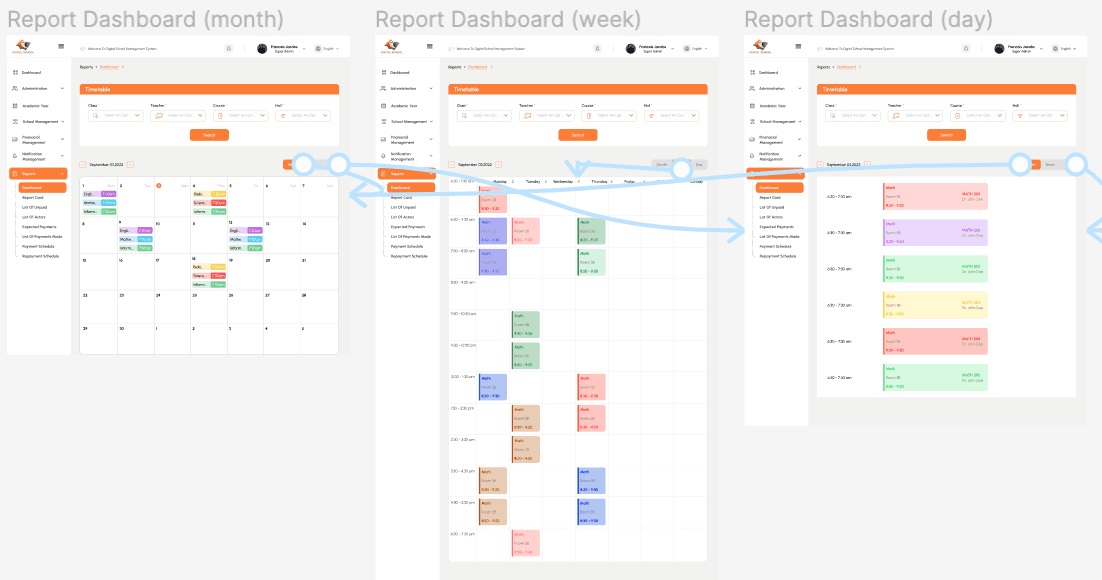
I produced a low-fidelity prototype using the finished set of digital wireframes.
I connected the main user flow between choosing a piece of furniture and ordering it so that the prototype could be used in a usability test.
Usability Study
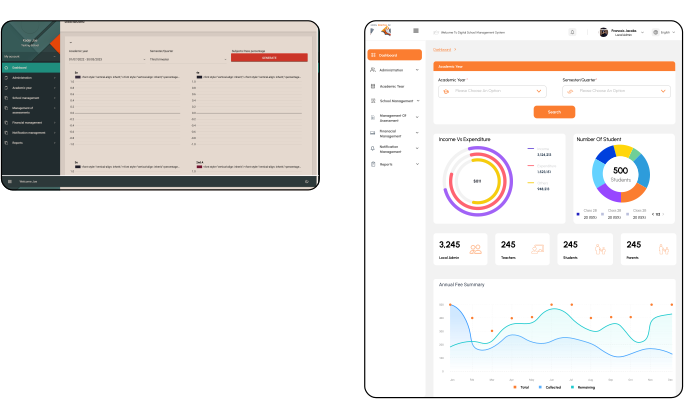
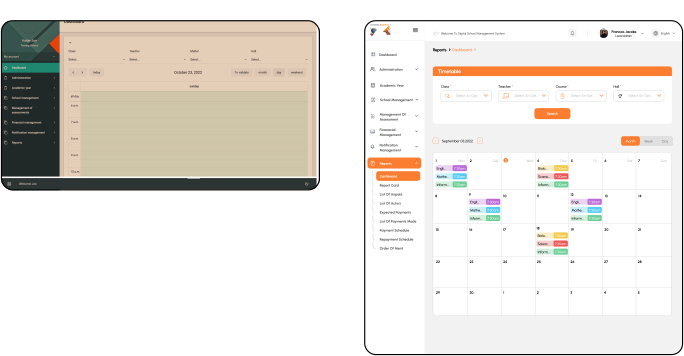
I carried out two iterations of usability tests.
The first study's findings were used to inform the wireframes and mockups of the designs.
The second research showed which elements of the mockups needed to be improved through the usage of a high-fidelity prototype.
Round 1 Findings
1
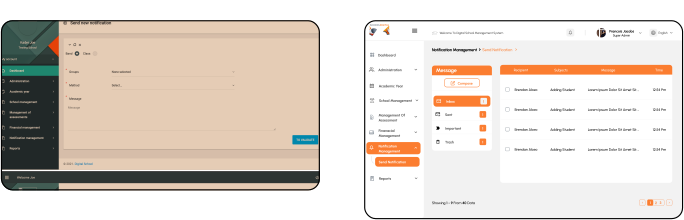
Lack of language toggle and unclear login indicators. Difficulty managing notifications and accessing messages. Poor visual hierarchy and inconsistent font sizes.
2
3
Round 2 Findings
1
Ineffective search button Need for comprehensive and customizable statistics for deeper insights.
2
SPLASH SCREEN